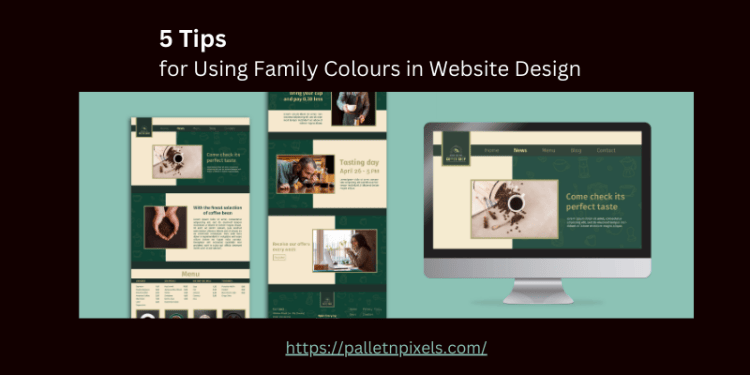
🎨 5 Tips for Using Family Colours in Website Design
1. ✅ Stick to a Defined Color Palette
Choose 3–5 colors that reflect your brand personality and use them consistently. Typically, this includes:
- Primary color (brand identity)
- Secondary colors (to complement and add contrast)
- Accent colors (for buttons or highlights)
Tools like Adobe Color or Coolors can help generate harmonious family palettes.
2. ⚖️ Maintain Color Balance
Use a hierarchy in your color use — primary colors should dominate, while secondary and accent colors support the visual structure. Overusing all colors equally can create visual noise.
Think: 60% primary, 30% secondary, 10% accent.
3. 🧠 Consider Psychological Impact
Colors evoke emotion. Use warm tones for energy (e.g. red, orange) and cool tones for calm (e.g. blue, green). For family or child-focused sites, soft, friendly colors work best.
Example: Light blues and greens feel nurturing and trustworthy.
4. 🌗 Ensure Accessibility & Contrast
Make sure your color combinations are readable for all users. Use tools like the WebAIM contrast checker to ensure text stands out against backgrounds.
Good contrast boosts readability and meets WCAG accessibility standards.
5. 🧩 Apply Colors Purposefully
Assign specific roles to each color:
- Primary buttons = main action (e.g. “Book Now”)
- Secondary buttons = supporting actions (e.g. “Learn More”)
- Backgrounds = neutral shades from the palette
Consistent color usage helps users navigate intuitively.